Your media downloads on Android
Browse. Download. Organize.
Videos, audio and images, from your browser to your library. Find media on supported websites and manage your downloads in one place.
For Android 7 and later · By Studio MWD
From the website to your file
Everything follows your flow.
A browser with tabs, bookmarks and history. A download manager ready for what you find along the way.
-
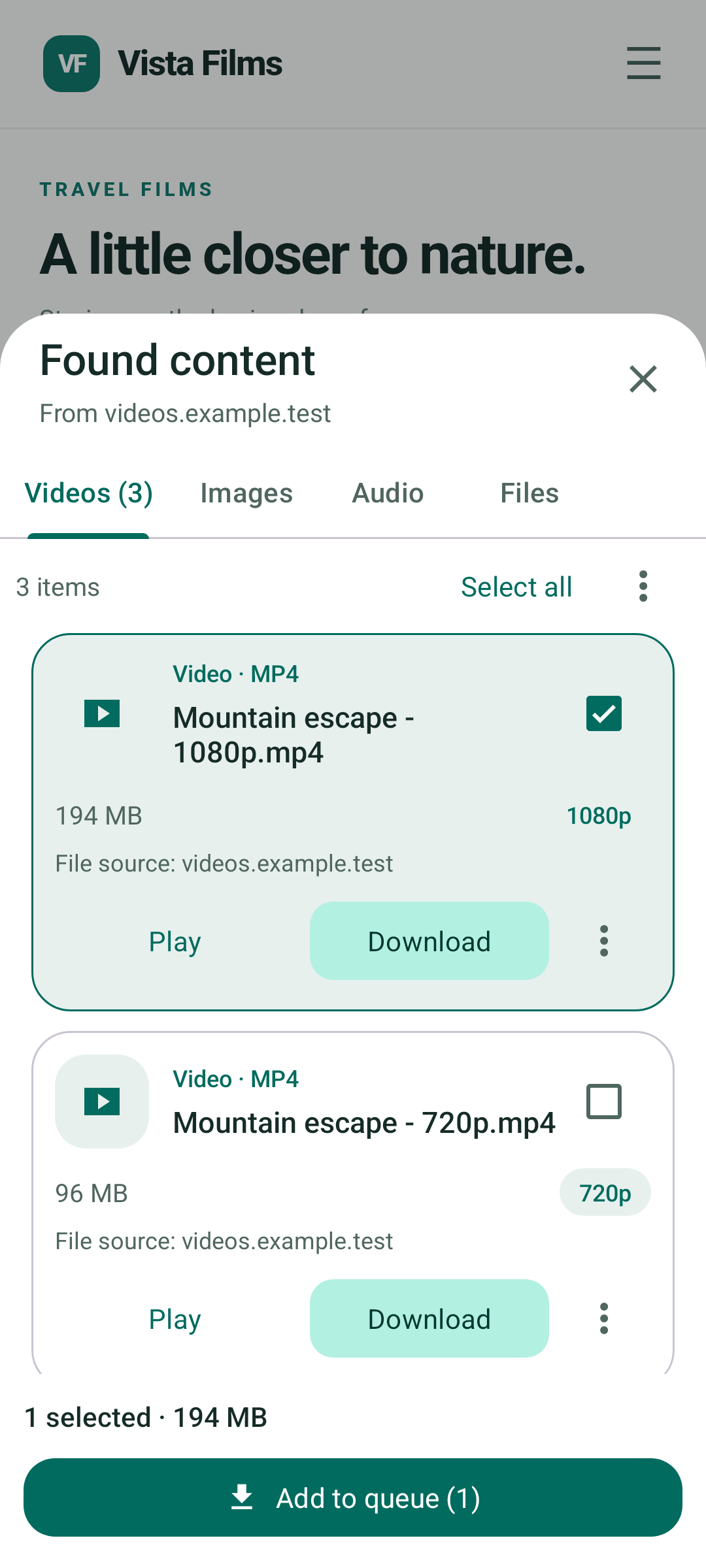
Discover
Choose what to save.
Review videos, audio, images and files detected on supported pages. Select the items and add them to your queue.
-
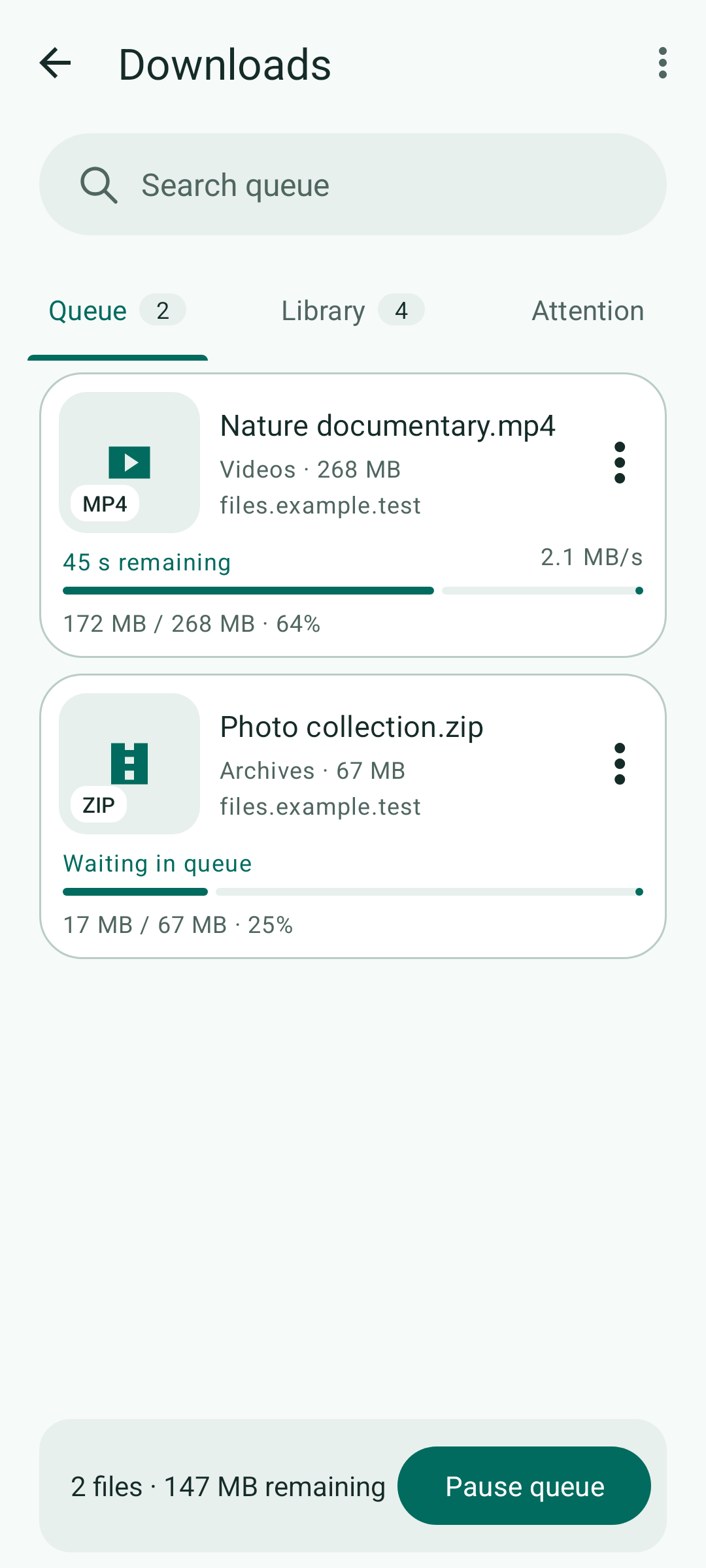
Download
Keep track of each download.
See progress, speed and transfer status. Pause when you need to and resume when the website supports it.
-
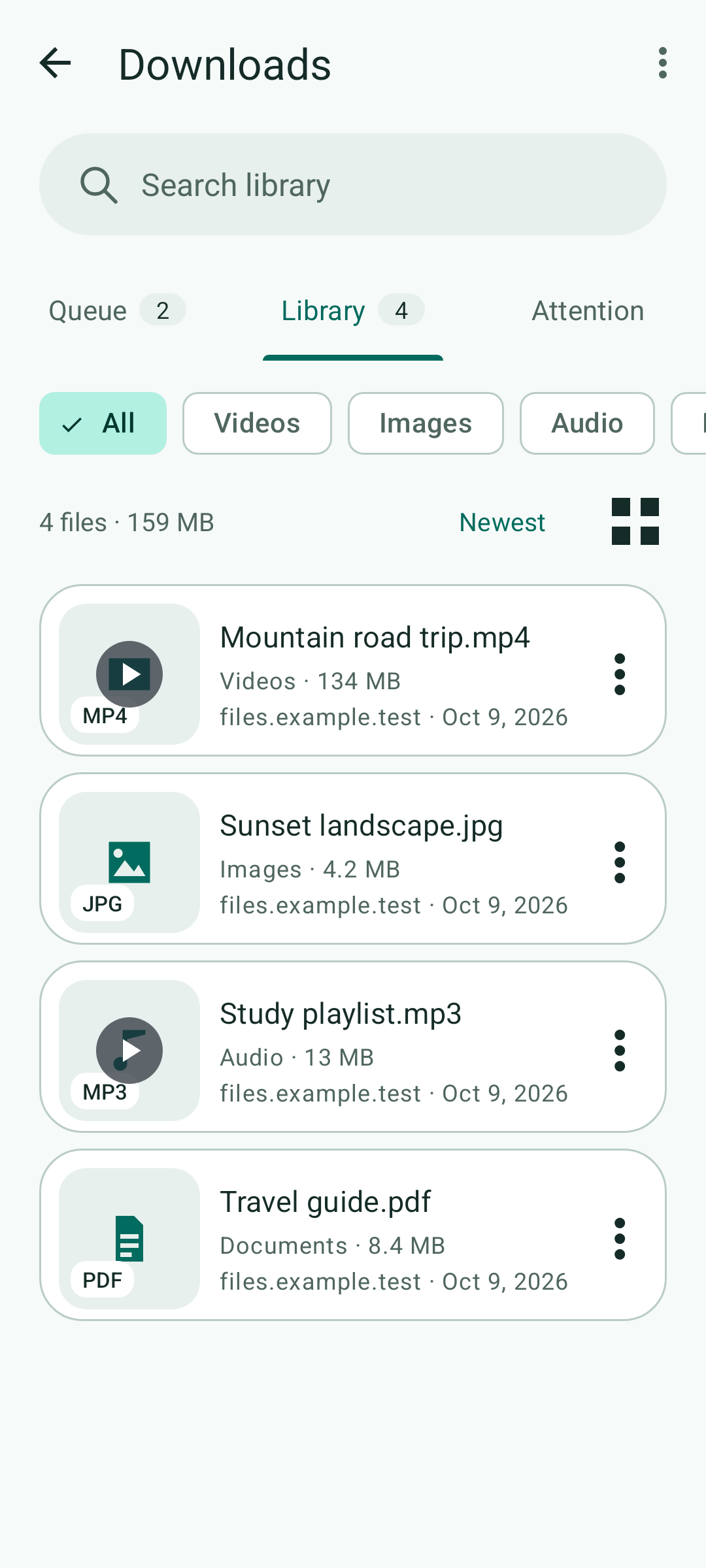
Organize
Find it. Open it. Enjoy it.
Filter your library by file type, organize normal downloads into folders and play supported videos and audio within the app.
App screens with sample content. Download availability depends on the website, format and access permissions.
Private profile
A separate space. Your access controls.
Keep private browsing and downloads separate from your normal profile, with password access and automatic locking.
Browsing in its own space
History, bookmarks and website data stay separate from the normal profile.
An encrypted vault for files
Private downloads are encrypted in the app's internal storage and viewed within NavDown, outside the public gallery.
Available on Android 9 and later. The vault encrypts private files; it does not make browsing anonymous or encrypt all browser data.
Read the Privacy Policy (English)Before you start
A few useful details.
Learn what to expect when browsing and downloading with NavDown.
Can I download from any website?
Content detection and downloads depend on website compatibility, file format and access permissions. Some websites restrict downloads. Save only content you own or are authorized to download.
Which Android versions are supported?
NavDown supports Android 7 and later. The private profile requires Android 9 or later. Check Google Play for availability on your device.
Does the private profile encrypt everything?
Encryption applies to private files stored in the vault. Website data, such as cookies and browser cache, is kept separate from the normal profile but is not encrypted by the vault password. See the Privacy Policy for details.
Information and support
Need a hand?
Contact Studio MWD for help, or read how your data is handled and the conditions for using NavDown.